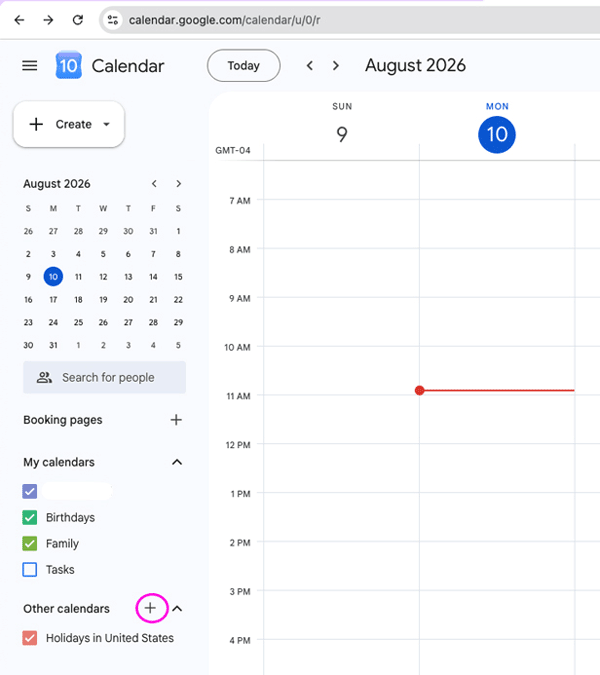
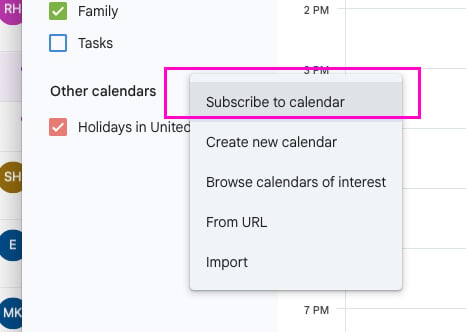
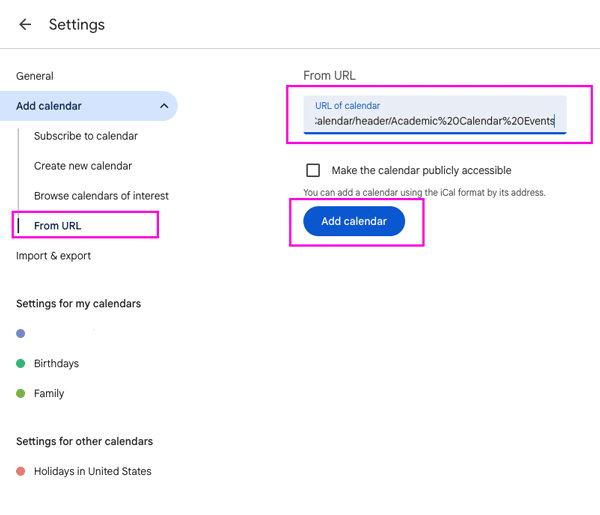
For Quinnipiac Outlook, visit mail.quinnipiac.edu and click on the Calendar tab.
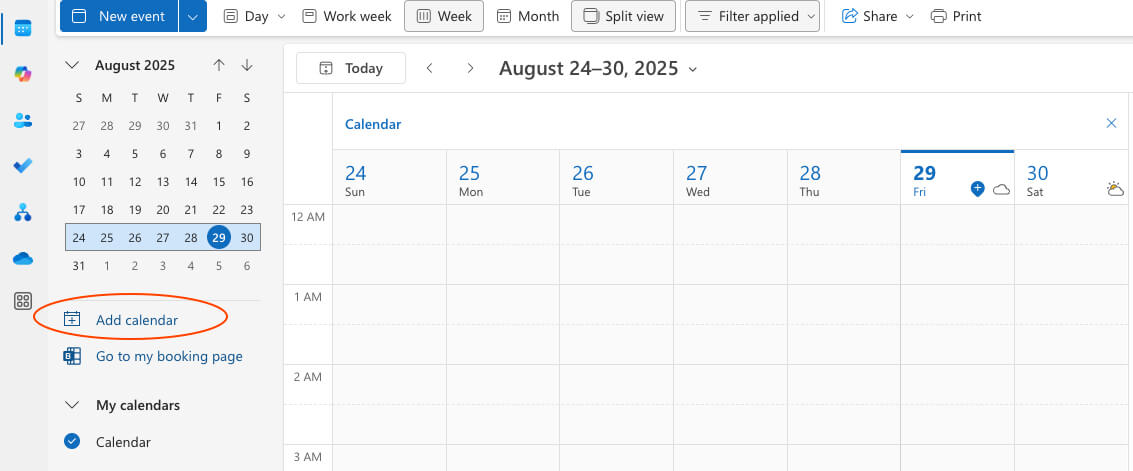
In the dialog box that opens:
-
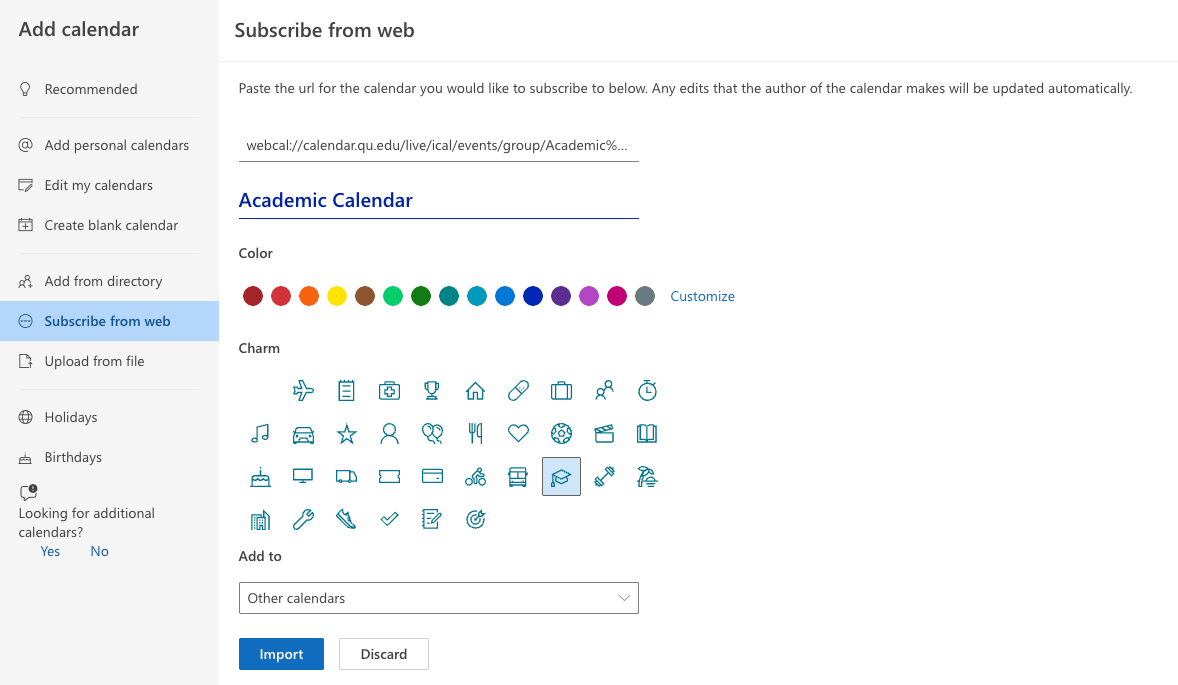
Click Add calendar
-
Select Subscribe from web
-
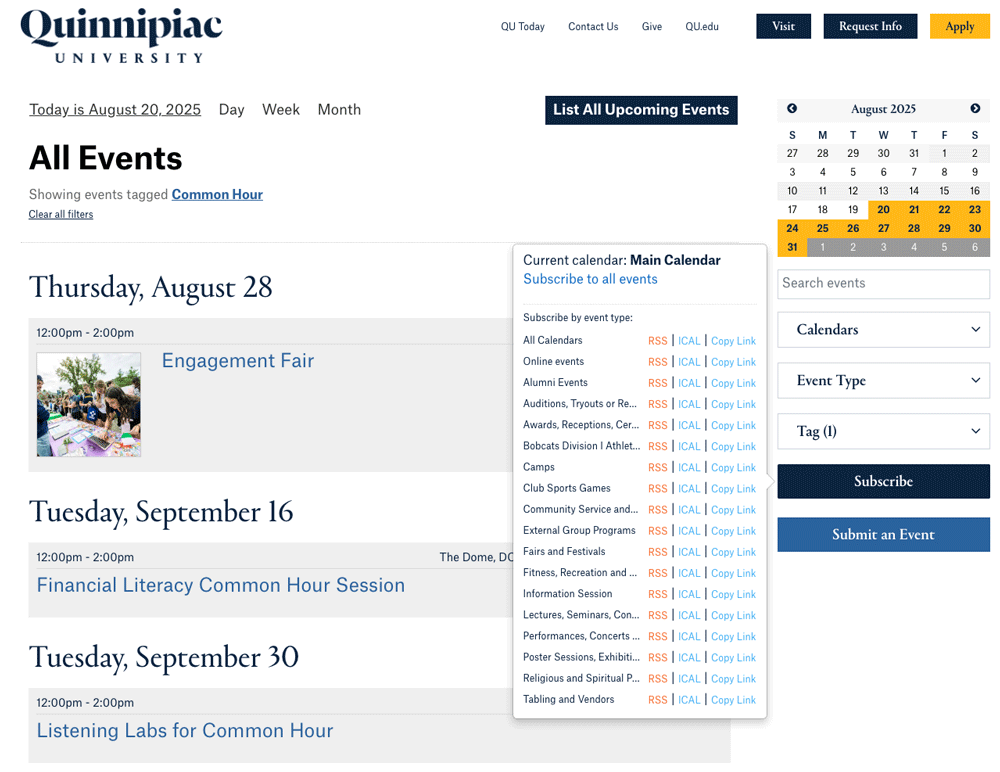
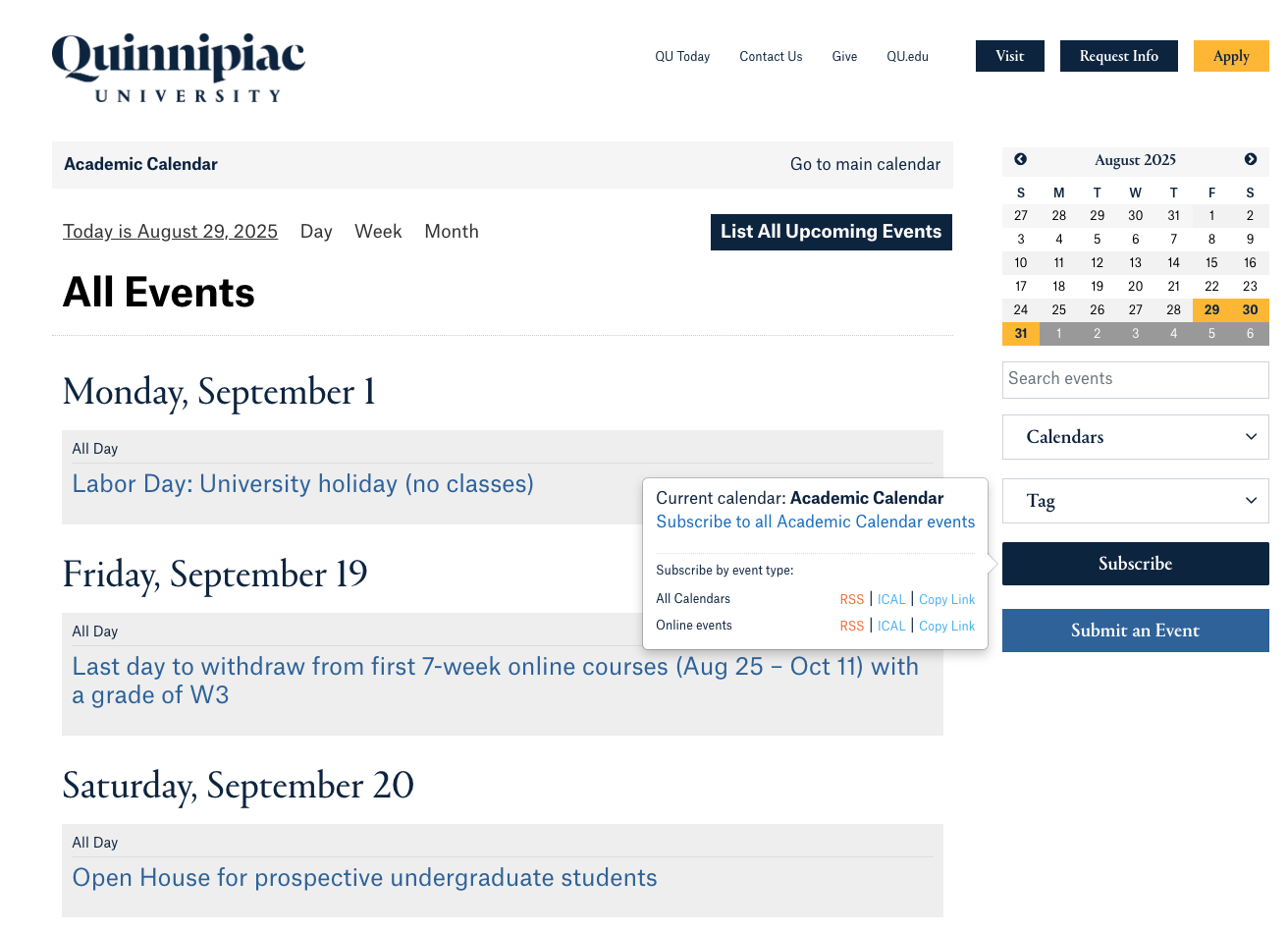
Enter the webcal URL in the field
-
Name your calendar. If you like, you can pick a color and/or a charm.
-
Click Import
And you're done! Events that are imported in your calendar through a web link will typically sync within a few minutes, and changes will reflect in your calendar without further action, typically within a few hours of the details being edited.
Tip: This process is easiest to perform using a desktop, and it is recommended to use the online version of Quinnipiac Outlook mail, which can be accessed at mail.quinnipiac.edu